Corporate AI Training · AI Workshops · Learning and Development
Corporate AI training: how to plan a programme that changes how your teams work
Short answer. Plan corporate AI training backwards from the work you want done differently. Agree one or two outcomes per department, write a short AI-use policy before the first session, train leaders and departments separately on their own tasks, and finish every session with something participants built and will keep using. Measure what moved to AI 30 days later, not attendance.
Why most AI training changes nothing
The common pattern: a company books a two-hour “AI awareness” talk, people enjoy the demos, and a month later nobody works differently. The talk was not wrong. It simply ended at awareness. People went back to the same tasks, the same templates and the same deadlines, with no prompt they trusted, no permission to use the tools and nothing built on their own work.
Training that sticks is designed around three questions: what should people do differently afterwards, what are they allowed to do, and what will they leave the room with.
Step 1: write the outcome for each team
Before choosing a trainer or a date, write one or two outcomes per department in plain words. For example:
- Sales: every enquiry gets a same-day, personalised reply drafted with AI and checked by the salesperson.
- Finance: the monthly management summary is drafted from the reports, not typed from scratch.
- HR: job descriptions, interview question sets and onboarding checklists come from one tested prompt library.
- Operations: the three most repetitive reports are identified and scoped for automation.
If an outcome cannot be written down, the session will drift into a tool tour.
Step 2: write the AI-use policy first
People will not use AI at work if they are unsure what they are allowed to paste into it. A one-page policy, agreed before the training, answers that:
- Which tools are approved, and on which accounts (company or personal)
- Which data must never go into a cloud AI tool: client data, salary data, unreleased financials, and so on
- When a person must check or approve AI output before it goes out
- Who to ask when unsure
Good training then teaches inside that policy, including private or local AI options for confidential files where cloud tools are not allowed.
Step 3: train leaders and departments separately
Leaders and staff need different sessions.
- Leadership session: what AI can do in your business now, where it pays back first, the policy decisions, and how to sponsor adoption. Short and decision-focused.
- Role-based workshops: one per department or function, hands-on, on that team’s real tasks and documents. This is where habits change.
- AI champions: one or two people per team who go deeper, keep the prompt library current and help colleagues. They are the reason adoption survives after the trainer leaves.
Step 4: choose the format
Online sessions work well for distributed teams and for short follow-ups. In-person or hybrid sessions work better for the first hands-on workshop, because the trainer can see screens and unblock people at their desks. Many organisations combine both: one in-person workshop per department, then shorter online follow-ups.
Step 5: make every session end with something built
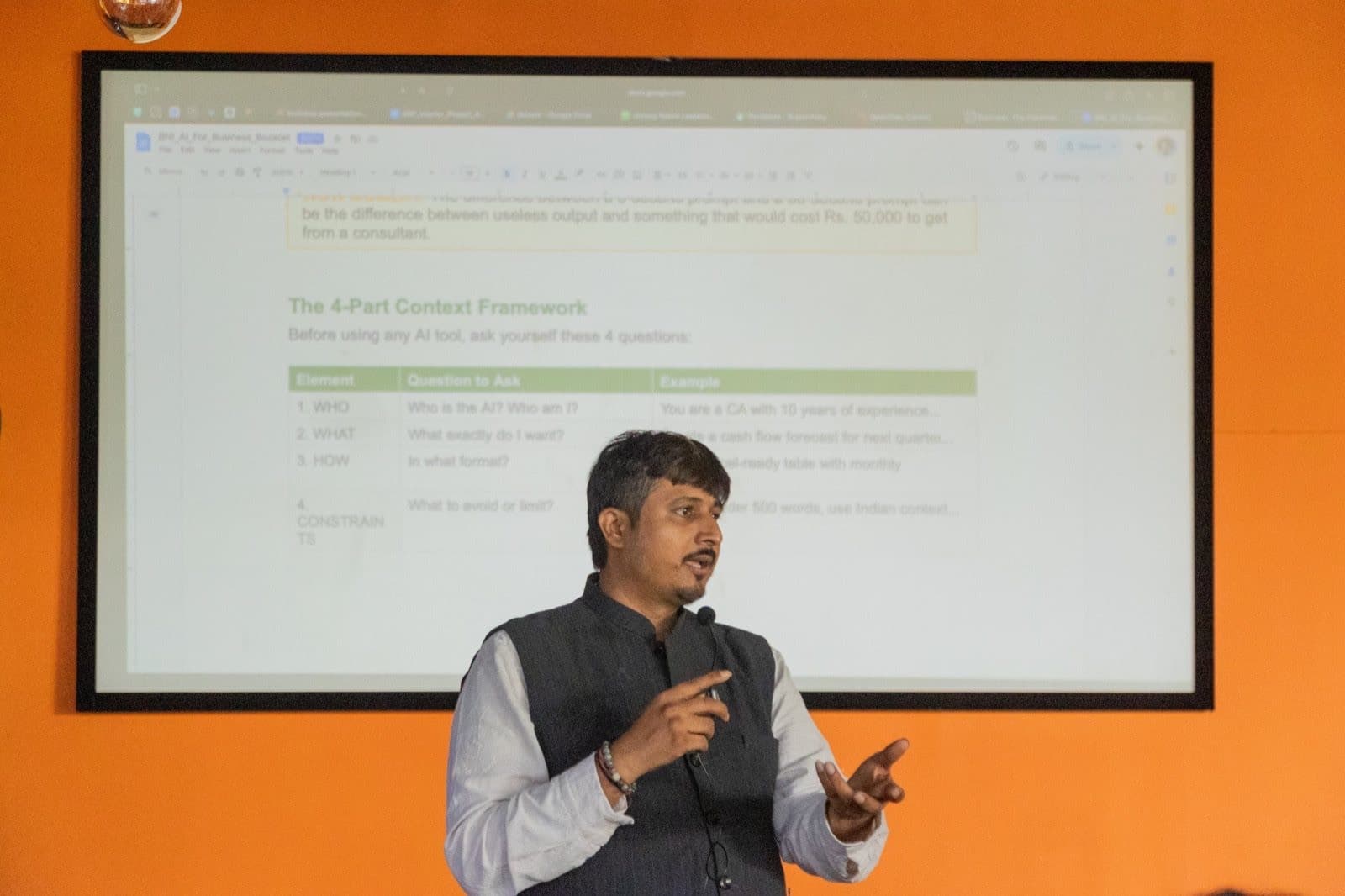
Each participant should leave with at least one thing they made on their own work: a tested prompt for a weekly task, a Claude or ChatGPT project set up with their department’s context, a draft automation, or a small tool. Ask any trainer to show you what participants built in a previous session.
A shared starting point helps: our free AI prompt library for business has 109 prompts across 12 departments.
Step 6: measure what changed
Attendance and feedback scores measure the session, not the result. Thirty days later, ask each team:
- Which tasks are now done with AI, and how much time does that save each week?
- Is the prompt library being used and updated?
- Which automation opportunities were shortlisted, and which are worth building?
Choosing a trainer
Ask whether the trainer implements AI in real businesses, whether sessions will use your own workflows, whether policy and privacy are covered, and what participants leave with. Our corporate AI training buyer checklist goes through these questions in detail, and CA and accounting firms can start with AI training for CA firms.
What drives the cost
Corporate AI training is priced on the number of participants and sessions, the amount of customisation to your workflows, and whether it is online or on site (on-site training outside the trainer’s city usually adds travel and stay at actuals). Ask for a written agenda and quote after a scoping call rather than a per-head rate on a generic syllabus.
How Bizgenix AI runs it
Bizgenix AI’s corporate AI training is led by Dr. CA Umang Ratani and follows the steps above: a scoping call, a leadership session, role-based hands-on workshops, department prompt libraries, and a ranked list of automation opportunities. It uses the same build-along method as the public Scale With AI workshops.
Common questions
How long should corporate AI training be?
Long enough for each participant to build something on their own work. In practice that means a short leadership session plus a hands-on workshop per department, followed by shorter follow-ups, rather than one long lecture for everyone.
Should we train everyone at once?
No. Train leaders and departments separately. Mixed groups end up with generic examples that do not fit anyone’s work.
Do employees need technical knowledge for AI training?
No. Most corporate AI training is for non-technical staff. Teams that want to build can go further into agents and automation later.
What should we do before the training?
Agree the outcome for each team and write a one-page AI-use policy: approved tools, data that must not be shared, and when a person must check the output.
How do we know if AI training worked?
Check 30 days later which tasks are now done with AI, whether the prompt library is used, and which automation opportunities are worth building.